Accessible Testimonials That Speed Mid Market and Enterprise B2B Deals

Accessible testimonials are centralized, verified, and persona-searchable customer evidence that buyers can use to validate vendor claims without waiting on a sales rep. When you build this kind of system, you give your team a library sales can search by role, industry, or deal size in seconds, and you give buyers the proof they already trust more than your website. The payoff is faster validation and shorter deal cycles.
TL;DR:
- Making testimonials role-specific, verified, and easily searchable early in the buyer’s journey significantly increases the chance to win preference before initial sales contact.
- Structuring metadata, integrating with CRM, and creating stage-mapped templates are essential steps for building a scalable and trusted testimonial library.
- Limiting advocates to two or three reference calls annually and centralizing request routing helps maintain advocate relationships and testimonial quality.
- Ensuring accessibility through transcripts, captions, contrast checks, and semantic HTML makes testimonials usable for all buyers, including those relying on assistive technology.
- Using a centralized platform with features like ID verification and metadata tagging simplifies the management, reuse, and impact tracking of testimonials on pipeline outcomes.
- ✓Organized customer testimonials
- ✓Verified customer identities
- ✓AI-identified customer advocates
- ✓Detailed testimonial analytics
Table of Contents
- Why accessible testimonials matter in modern B2B buying
- Core components of an accessible-testimonial program
- How to build an accessible-testimonial pipeline step by step
- Governance: verification, advocate capacity, and privacy safeguards
- Measuring impact: metrics that connect testimonials to pipeline and revenue
- Writing and presenting testimonials people actually read
- Making testimonial content usable for every reader
- The tools that make accessible testimonials possible at scale
- Collecting testimonials that represent your whole customer base
- Common accessibility challenges and how to fix them
- What most teams get wrong about testimonial programs
- Bringing accessible testimonials to life with Clareefai
- FAQ
- Sources
Why accessible testimonials matter in modern B2B buying
Buyers decide who they trust long before a rep ever gets on a call. Most B2B decision-makers trust peer recommendations more than vendor websites or review sites, and that preference shapes every stage of the buying process, from first search to final signature.
68% of B2B buyers already have a front-runner vendor in mind at the start of their journey, which means the window to earn preference is narrow and front-loaded. If your testimonials aren’t visible and role-matched early, you’re competing for a spot that’s often already decided.
AI search tools haven’t replaced this instinct. If anything, they’ve sharpened it:
- Buyers use AI overviews to speed research, then seek human sources to confirm what they read.
- Larger buying groups mean more stakeholders need their own proof, not just one champion’s opinion.
- Procurement teams increasingly demand verifiable evidence before a deal advances, not just polished case studies.
We see this pattern constantly: the vendor who makes trusted, role-specific proof easy to find wins the preference battle before the first demo.
Core components of an accessible-testimonial program
A testimonial program only works if it’s built to be found, trusted, and reused. That takes more than a folder of quotes.
- Verification and consent capture: every testimonial needs an identity check and a documented audit trail so sales and legal can stand behind it.
- Structured metadata: tag each asset by persona, industry, annual contract value tier, use case, and deal stage so it surfaces for the right buyer.
- Searchable index with CRM integration: reps should be able to pull a matching testimonial from inside their CRM or enablement tool, not dig through a shared drive.
- Multiformat assets: short quotes for email, video snippets for social, one-pagers for decks. Different buyers respond to different formats, and video testimonials carry particular weight in B2B because they’re harder to fake and easier to trust.
- Reference management: scheduling, rotation, and capacity limits so your best advocates don’t burn out answering the same three questions every month.
Pro Tip: Tag testimonials by deal stage, not just by industry. A quote that closes an early-stage conversation rarely works the same way in a final procurement review.
How to build an accessible-testimonial pipeline step by step
Getting from scattered quotes to a searchable library is a sequence, not a single project. Here’s the order that works.
- Define your taxonomy first. Decide on the metadata fields you need (persona, industry, deal size, use case, stage) and map each one to an existing CRM property so nothing gets orphaned later.
- Build capture workflows. Create simple forms for requesting testimonials, pair them with consent language and identity proofing, and store results in one system instead of scattered email threads.
- Index and expose the library. Set up a search interface for the testimonial database, then connect it to the tools reps already use: CRM widgets, Slack bots, or your sales enablement platform. A centralized social proof workflow keeps this from fragmenting again.
- Create stage-mapped templates. Build standard formats for email, decks, and demo scripts so reps aren’t reinventing the wrapper every time they want to use a quote.
- Automate routing and set SLAs. Decide who owns incoming requests, how priority is assigned when multiple reps want the same advocate, and when a request escalates to a manager.
Each step depends on the one before it. Skip the taxonomy step and your searchable index becomes just another unsearchable pile with better software.
Governance: verification, advocate capacity, and privacy safeguards
Trust in a testimonial program depends on the rules behind it, not just the quotes themselves.
- Verification standards: every advocate’s identity should be checked, and consent should be logged with a timestamp and a record of what they agreed to share.
- Capacity limits: cap reference calls at roughly two to three per advocate per year to prevent fatigue and protect the relationship long term.
- Centralized intake: route every testimonial and reference request through one hub instead of letting reps reach out ad hoc. Centralized identity verification also makes it far easier to prove, later, that an advocate actually consented and was who they claimed to be.
- Privacy and data handling: apply GDPR-level controls, including data minimization and clear retention rules, even for customers outside markets where GDPR applies directly. It signals seriousness to enterprise buyers who ask about data governance during due diligence.
Ad-hoc outreach feels faster in the moment, but it’s the fastest way to burn out your best advocates and lose track of who’s already been asked.
Measuring impact: metrics that connect testimonials to pipeline and revenue
Testimonial programs earn budget when they can show their work. The core metrics worth tracking are reference-to-close rate, time-in-pipeline for deals that used a testimonial versus deals that didn’t, and conversion lift measured through controlled A/B tests on where and how testimonials appear.
Instrumenting this isn’t complicated: add a CRM field that flags when a testimonial or reference call was used in a deal, tag outbound links with UTM parameters, and run split tests on page placement before rolling changes out broadly.
One documented case shows the scale of what’s possible: optimized testimonial placement produced a measurable 60% lift in conversion. That’s a single case study, not a universal guarantee, but it illustrates why placement and matching deserve the same rigor as any other conversion lever in your funnel.
Writing and presenting testimonials people actually read
A testimonial only works if someone can quickly understand what it’s saying and why it matters to them. That starts with language: cut industry jargon unless the buyer persona uses it daily, and lead with a specific result rather than a vague compliment. “Cut onboarding time from six weeks to ten days” does more work than “great partner to work with.”
Formatting matters just as much as wording:
- Keep written quotes to two or three sentences for scannability, with a longer version available for readers who want depth.
- Add alt text to any image-based testimonial so screen readers and search crawlers can both parse it.
- Caption every video testimonial. Captions help viewers in sound-off environments, which covers a large share of social and workplace video consumption, and they make the content indexable for search.
- Pair every video or audio quote with a short text summary so the core claim doesn’t require playback to understand.
Think of each testimonial as a reusable asset with multiple entry points: a reader scanning fast, a reader who wants context, and a reader relying on assistive technology should all be able to get the point.
Making testimonial content usable for every reader
Treating testimonial accessibility as a usability standard, not an afterthought, protects your program from excluding buyers and stakeholders who rely on assistive technology. The Web Content Accessibility Guidelines (WCAG) offer the clearest baseline for this: sufficient color contrast between text and background, keyboard-navigable testimonial carousels, and transcripts for every audio or video asset.
A few practices cover most of the ground:
- Avoid testimonial carousels that auto-advance without a pause control; they can be disorienting for readers using screen readers or those with cognitive disabilities.
- Provide text transcripts alongside every video or audio testimonial, not just captions, since some readers prefer to skim text rather than watch or listen.
- Use semantic HTML headings and labels on testimonial pages so assistive technology can navigate the content in a logical order.
- Test color contrast on quote graphics and pull-quotes, where decorative styling can quietly fail contrast standards even when body text passes.
None of this requires a redesign. It requires checking your existing testimonial templates against a short list of usability standards and fixing what fails.
The tools that make accessible testimonials possible at scale
Manually collecting, tagging, and distributing testimonials works for a handful of customers. Past that, you need infrastructure built for the job.
Look for platforms that combine a few specific capabilities: identity verification at the point of collection, structured tagging by persona and industry, a searchable index that integrates with your CRM, and analytics that tie testimonial use back to pipeline outcomes. Some testimonial platforms combine AI-driven promoter identification with a centralized, GDPR-conscious database so sales teams can pull a verified, role-matched testimonial without leaving their workflow.

Beyond the core platform, a few adjacent tools matter. Video hosting platforms with built-in captioning cut production time significantly. Survey tools that capture consent language at submission save a governance headache later. And checklists built for AI-era search visibility, like the Babylovegrowth, help you format testimonial content so it surfaces correctly when buyers research through AI-assisted search rather than traditional queries.
The right stack isn’t about having every tool. It’s about closing the gap between collecting a testimonial and a rep actually being able to find and use it.
Collecting testimonials that represent your whole customer base
A testimonial library stacked with similar logos and similar voices has a blind spot: it only speaks to buyers who see themselves in those examples. If every featured advocate comes from the same industry, company size, or role, you’re quietly telling a large share of your prospects that your product wasn’t built with them in mind.
Build collection into your process deliberately rather than waiting for the loudest customers to volunteer:
- Prompt customer success teams to flag satisfied customers across different industries, company sizes, and geographies, not just your biggest accounts.
- Ask for testimonials from different roles within the same account: an end user, a technical buyer, and an economic buyer each validate different concerns for different readers.
- Offer multiple formats for giving feedback, including written, video, and short audio, since advocates vary in how comfortable they are on camera.
- Review your testimonial library quarterly and note which personas or industries are underrepresented, then target outreach to close those gaps.
Diversity here isn’t a compliance checkbox. It’s what makes a buyer in an unfamiliar vertical trust that your product has actually been tested in situations like theirs.
Common accessibility challenges and how to fix them
Most testimonial programs run into the same handful of problems, and most of them have straightforward fixes.
Video testimonials are the hardest format to make accessible, because they require captions, transcripts, and often audio description for anything visual. The fix is procedural: build captioning and transcript generation into your collection workflow by default, rather than treating it as an optional step added later.

Audio-only testimonials, like clips from reference calls, create a similar problem: there’s no visual fallback. Pair every audio clip with a written summary that captures the key claim, so a reader can get the substance without playing the file.
Text testimonials fail accessibility less often, but formatting issues still creep in: low-contrast quote styling, decorative fonts that are hard to parse, and carousels that shift content before a screen reader finishes reading it. Testing your testimonial templates against basic contrast and navigation standards catches most of these before they ship.
The broader challenge is consistency. A single accessible video testimonial doesn’t help if the next ten uploaded aren’t treated the same way. Building captioning, transcripts, and contrast checks into your intake workflow, rather than relying on someone remembering to do it, is what keeps the whole library usable over time.
What most teams get wrong about testimonial programs
The biggest failure we see isn’t a lack of good customers willing to talk. It’s a lack of coordination. Reps independently reach out to the same three advocates, burning goodwill while dozens of other satisfied customers never get asked. Small, overused advocate pools make reference calls feel staged rather than credible, and buyers notice.
The fix is almost always structural, not motivational: centralize requests through one hub, set firm capacity limits per advocate, and build a persona-matched database so reps stop defaulting to whoever answered last time. Teams that make this shift typically see reference quality improve before they see volume improve. Matching a buyer’s persona and deal size to the right advocate matters more than having a bigger list of names.
— ClareefAi
Bringing accessible testimonials to life with Clareefai
Everything in this guide, verification, persona matching, searchable indexing, and advocacy analytics, can be handled together in one place by specialized platforms. Instead of stitching together forms, spreadsheets, and a shared drive, your team gets a centralized dashboard that matches verified advocates to the right buyer persona and tracks the pipeline impact automatically.
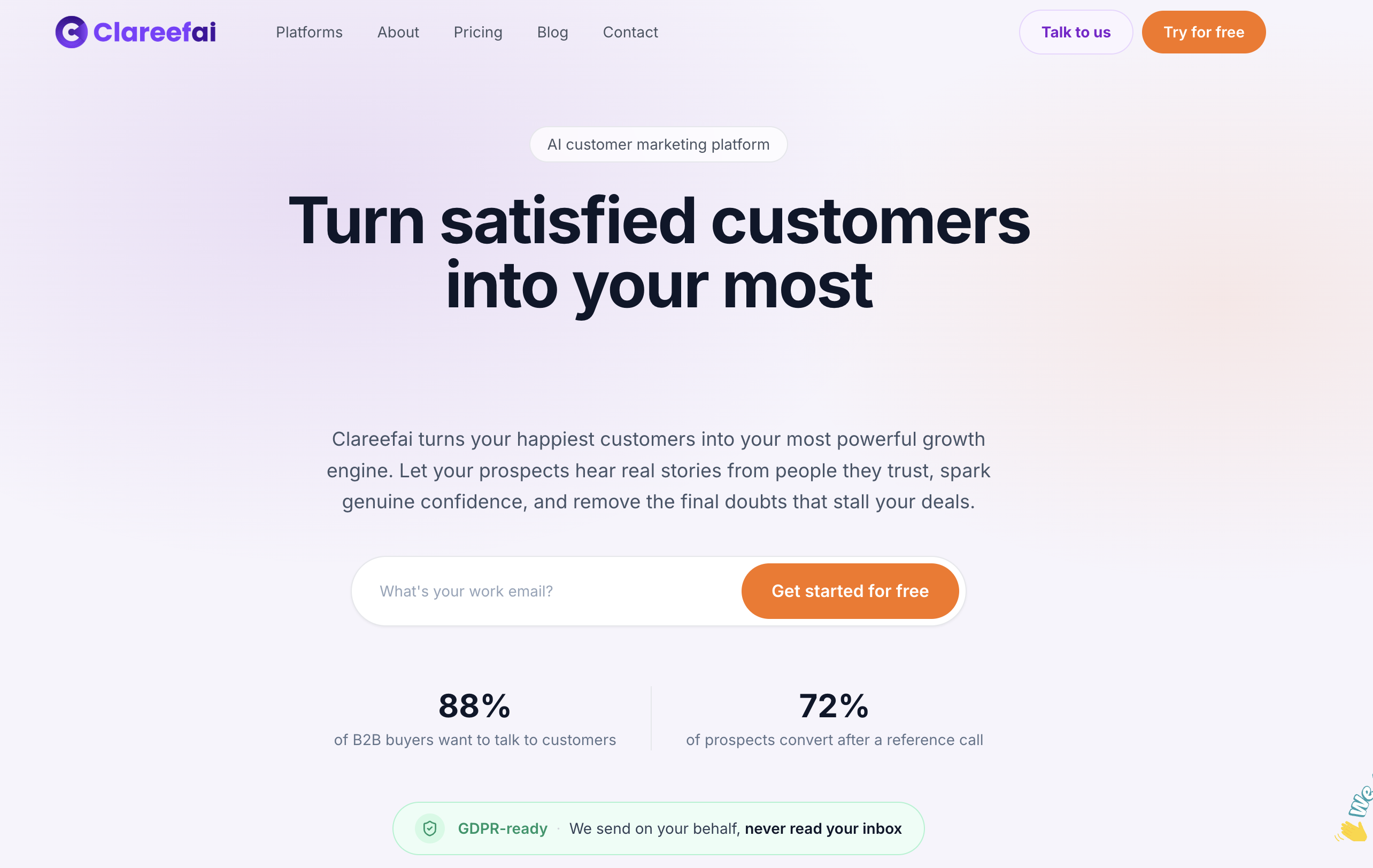
If you’re ready to see how this works for your team, our Basic, Professional, and Enterprise plans scale with your advocate volume, and a free plan is available if you want to start small. Explore our full solutions overview to see what fits your team’s structure before you commit.
FAQ
What makes a testimonial “accessible” in a B2B sales context?
An accessible testimonial is verified, tagged with metadata like persona and industry, and searchable inside the tools your sales team already uses, such as a CRM or enablement platform. The goal is that a rep can find the right proof in seconds rather than hunting through old emails or shared drives.
How often should an advocate be asked for a reference call?
A common guideline is capping reference requests at around two to three calls per advocate per year to avoid burnout and keep the relationship sustainable. Centralizing requests through one hub, rather than letting multiple reps reach out independently, makes this limit easier to enforce.
How do testimonials actually shorten B2B deal cycles?
Most B2B decision-makers trust peer recommendations more than vendor content, so a well-matched testimonial can answer a stakeholder’s objection faster than another sales call. Since 68% of buyers already favor a front-runner vendor early in their journey, surfacing the right proof early can be the difference between being that front-runner and chasing it.
What does Clareefai cost?
Clareefai offers Basic, Professional, and Enterprise plans priced at 250 $, 624 $, and 1250 $ per month respectively, along with a free plan for teams that want to start without a paid commitment.
Do testimonials still matter now that buyers use AI search tools?
Yes. Research on buyer behavior shows buying groups are larger and procurement is more involved, and buyers still seek human validation even after using AI tools to form an initial view. A verified, easy-to-find testimonial gives buyers exactly the human confirmation they’re looking for after an AI-generated summary.
Sources
- SurveyMonkey and Reddit: The hidden B2B journey (2026)
- Building preference is the key to winning B2B buyers (Forrester blog)
- Forrester’s 2026 Buyer Insights: GenAI is upending B2B buying
Recommended
Share Article
Stay Updated
Get the latest insights on customer advocacy and SaaS growth delivered to your inbox.