Persona Matched Testimonials in Account Mapping Speed B2B Deals

Yes: when you map buying committees and put verified, persona-matched testimonials in front of those stakeholders, deals close faster and with more confidence. Teams that pair clean account data with buying-group visibility report more pipeline from top-tier accounts and stronger average deal sizes, and some platforms are built specifically to make that pairing operational rather than aspirational.
TL;DR:
- Mapping buying committees and attaching persona-matched testimonials accelerates deal closure and improves pipeline quality, especially with top-tier accounts.
- Proper account hygiene is essential, as messy data causes noise that hampers effective stakeholder targeting and testimonial matching.
- Building a consistent process involves collecting, verifying, tagging, and embedding testimonials into CRM records aligned with stakeholder roles and deal stages.
- Testimonials should be format-matched to deal stages and stakeholder type, with videos for executives and specific quotes for procurement to maximize impact.
- Prioritizing this approach works best in complex, multi-stakeholder B2B sales with longer cycles, not for quick, low-ticket transactions.
Table of Contents
- Why pairing account mapping with testimonials moves deals forward
- How to map accounts and attach the right testimonial to each stakeholder
- Technical and privacy considerations: integrations, verification, and consent
- Measuring impact: KPIs, expected gains, and a simple test to prove it works
- Publisher proof: how Clareefai implements verified testimonial mapping
- When to prioritize testimonial-driven mapping in your ABM roadmap
- Clareefai as a practical option for testimonial-driven account mapping
- Sources
- FAQ
Why pairing account mapping with testimonials moves deals forward
Every B2B deal has more decision makers than your sales rep can see at a glance, and each one needs a different kind of reassurance. A champion wants proof they won’t look foolish for recommending you. An economic buyer wants proof of return. A technical buyer wants proof it will actually work inside their stack. Procurement wants proof there’s no hidden risk. Generic testimonials on a website answer none of these questions well, because they’re written for everyone and therefore convince no one in particular.
Account mapping fixes the targeting problem: once you know who sits on the buying committee and what role they play, you can match the right proof to the right person at the right moment. This is the mechanism behind buying committee mapping, which treats every purchase decision as a group of individuals with distinct engagement patterns rather than a single “account” to persuade. Practical guides recommend mapping five or more engaged stakeholders for strategic accounts, because deals with that many people in the room stall without a plan for reaching each of them.
Here’s where testimonial mapping earns its place in the workflow:
- Executive reference: a short peer video or a direct reference call reassures an economic buyer faster than any slide deck.
- Technical validation: a specific quote about integration, uptime, or implementation speed answers a technical buyer’s real objection.
- Procurement risk reduction: a testimonial that names compliance, security, or contract terms reduces the “what could go wrong” conversation before it starts.
- Onboarding confidence: a case story about time-to-value calms new champions who are nervous about internal adoption.
The evidence for this approach is growing. One ABM implementation case study found that after a company rolled out a buying-group interface on top of cleaned account data, a significant share of the Opportunities created in the early period after rollout came from top-tier accounts, a shift the company attributed to finally seeing and engaging the right people inside those accounts. Elsewhere, a Pipedrive case study reported that certain lead sources produced notably higher monthly recurring revenue and larger initial seat counts when sales teams used more targeted, contextualized outreach assets, an example of what happens when the right proof lands with the right person. Customer feedback used this way is not a soft metric: one analysis links structured customer feedback programs to measurable revenue growth, which is the same logic driving testimonial-based account mapping.
None of this works if the underlying account data is messy. Duplicate records, unclear hierarchies, and missing firmographic detail turn a promising buying-group signal into noise, which is why data hygiene has to come before you start attaching testimonial assets to any stakeholder map.
How to map accounts and attach the right testimonial to each stakeholder
Building this system is less about new technology and more about discipline. You need a consistent structure for the account map, a consistent taxonomy for testimonial assets, and a repeatable process for connecting the two.
Start with the account map itself. For every strategic account, you want fields for each stakeholder’s name, title, role in the buying committee (champion, economic buyer, technical buyer, influencer, procurement), engagement status, and the content they’ve already seen. This mirrors the structure recommended in buying committee mapping guides, which pull from CRM records, LinkedIn, website analytics, and intent data to build a full picture of who’s actually involved.

Next, build a tagging taxonomy for your testimonial library so any asset can be matched to any stakeholder in seconds. At minimum, tag each testimonial by persona relevance, industry or vertical, product module, use-case keywords, proof format (text, video, reference call), date collected, and consent status, with a linked account ID so it’s traceable back to the deal it originally came from.
With both structures in place, the workflow runs in five steps:
- Collect testimonials at every natural touchpoint: post-onboarding, after a support win, during renewal conversations, and through dedicated outreach to happy customers.
- Verify the identity and consent of every contributor before the asset goes anywhere near a prospect.
- Tag each asset against your taxonomy so it’s searchable by persona, industry, and use case.
- Push verified, tagged assets into your CRM so they sit on the account record next to the stakeholder they’re meant for. Clareefai’s own guidance on adding testimonials to Salesforce walks through this exact handoff.
- Surface the matched testimonial in the sales material each stakeholder will actually see: a one-line quote in a procurement email, a short video linked in an executive’s calendar invite, a technical validation snippet embedded in a proposal.
Pro Tip: Match testimonial format to deal stage, not just to persona. A quick text quote works early in the funnel, while a peer reference call earns its place once a deal reaches final approval. Clareefai’s breakdown of testimonial design patterns by deal stage is a useful reference if you’re building this out for the first time.
If you want quick wins this quarter, start small:
- Audit your current testimonial library and tag the ten most reusable assets.
- Map the buying committee for your five largest open opportunities.
- Attach one persona-matched testimonial to each stakeholder in those five deals.
- Ask your top two sales reps to report back on which testimonial actually got a response.
Technical and privacy considerations: integrations, verification, and consent
None of this scales without the right systems underneath it. At a minimum, you need CRM sync so testimonial assets live on the account record where reps already work, enrichment data so you can tag testimonials by accurate firmographic detail, a content delivery layer that lets reps drop the right asset into an email or proposal without hunting for it, and analytics that tell you which testimonials are actually being viewed or clicked.
Clareefai’s own resource on CRM testimonial integration and consent capture covers the practical side of this: what fields to sync, how verification status should travel with the asset, and how to keep the whole system auditable.
Consent and verification deserve equal weight to the technical build, because a testimonial with no documented permission is a liability, not an asset. Best practice includes:
- Signed permission captured at the moment the testimonial is collected, not assumed later.
- A recorded consent trail stored alongside the asset so you can prove permission if a customer ever asks what happened to their quote.
- Anonymization rules for any testimonial used in a sensitive industry or where a customer prefers not to be named.
- Audit logs that track who accessed, edited, or published each testimonial.
GDPR compliance matters here whenever a testimonial includes personal data, and any platform managing verification and storage should apply that standard as a baseline rather than an afterthought.
Storage and access control round out the system. Testimonials should be versioned so an outdated quote doesn’t outlive its relevance, and access should be role-based so a sales rep can pull the right asset for their stakeholder without wading through the entire library or accidentally surfacing something that hasn’t been verified yet.
Measuring impact: KPIs, expected gains, and a simple test to prove it works
You don’t need a complicated dashboard to know if testimonial-driven account mapping is working. Track five numbers: win rate, sales cycle length, average deal size, reference-to-close rate, and time-to-sign after a stakeholder is exposed to a testimonial. If those numbers move in the right direction after you roll out mapped testimonials, you have your proof.
Case study evidence backs this up directionally. The Reputation ABM case study reported that half of new Opportunities in the first two months after rollout came from Top 10 or Tier 1 accounts once the company could see and act on buying-group signals, while the Pipedrive case study cited more than 30% higher monthly recurring revenue for certain lead sources tied to more targeted outreach.
To test this in your own pipeline, run a simple A/B comparison rather than rolling out the tactic everywhere at once. Split a comparable set of active opportunities into two groups: one where reps surface mapped, persona-matched testimonials at key stages, and a control group where they don’t. Keep the sample large enough that a handful of unusually fast or slow deals won’t skew the result, typically at least 20 to 30 deals per group for a mid-size pipeline. Run the test over a full sales cycle so you capture the entire decision window, then compare win rate and cycle length between the two groups. A meaningful result is a noticeably shorter cycle or higher win rate in the testimonial group, not a marginal one or two point shift that could be explained by rep skill alone.

Publisher proof: how Clareefai implements verified testimonial mapping
Some platforms approach this problem by centralizing testimonial collection so assets aren’t scattered across inboxes, spreadsheets, and individual reps’ laptops. Every testimonial that comes in gets identity and consent verification before it’s usable, which means sales teams are never working with an anonymous quote they can’t stand behind if a prospect pushes back.
From there, Some platforms tag each asset by persona and use case, so a testimonial from a technical buyer at a similar company gets routed to technical buyers in new deals, while an executive reference gets routed to economic buyers. That structure syncs directly with the CRM, following the same pattern outlined in Clareefai’s guide to adding testimonials to Salesforce, so reps see the right asset on the account record without leaving their workflow.
Format matters as much as targeting:
- Procurement tends to respond best to a short, specific text quote about compliance, pricing terms, or contract experience.
- Executives respond to a brief video or a direct invitation to a peer reference call rather than reading anything at length.
- Technical buyers want a precise quote about integration, uptime, or implementation speed, not a general endorsement.
Clareefai’s use-case page on unified testimonial management documents this pattern in more detail, including how the platform’s dashboards let different roles, from sales reps to marketing leads, pull the exact format they need for the stakeholder in front of them.
When to prioritize testimonial-driven mapping in your ABM roadmap
This tactic earns its place fastest in complex B2B sales: long procurement cycles, multiple stakeholders, regulated industries where risk aversion slows every decision. If your average deal touches five or more people and takes months to close, mapped testimonials will likely outperform generic case studies on your website.
It matters less for low-ticket, transactional sales where a single decision maker buys quickly and doesn’t need peer validation. Don’t over-invest there.
Sequence the work in phases: clean your account data first, pilot a tagging taxonomy on a handful of strategic accounts, roll out sales enablement once reps trust the system, then measure and scale. Skipping the data hygiene step is the most common reason this initiative stalls.
— ClareefAi
Clareefai as a practical option for testimonial-driven account mapping
If you’re ready to put this into practice without building the taxonomy and verification workflow from scratch, Clareefai gives you a working system out of the gate. 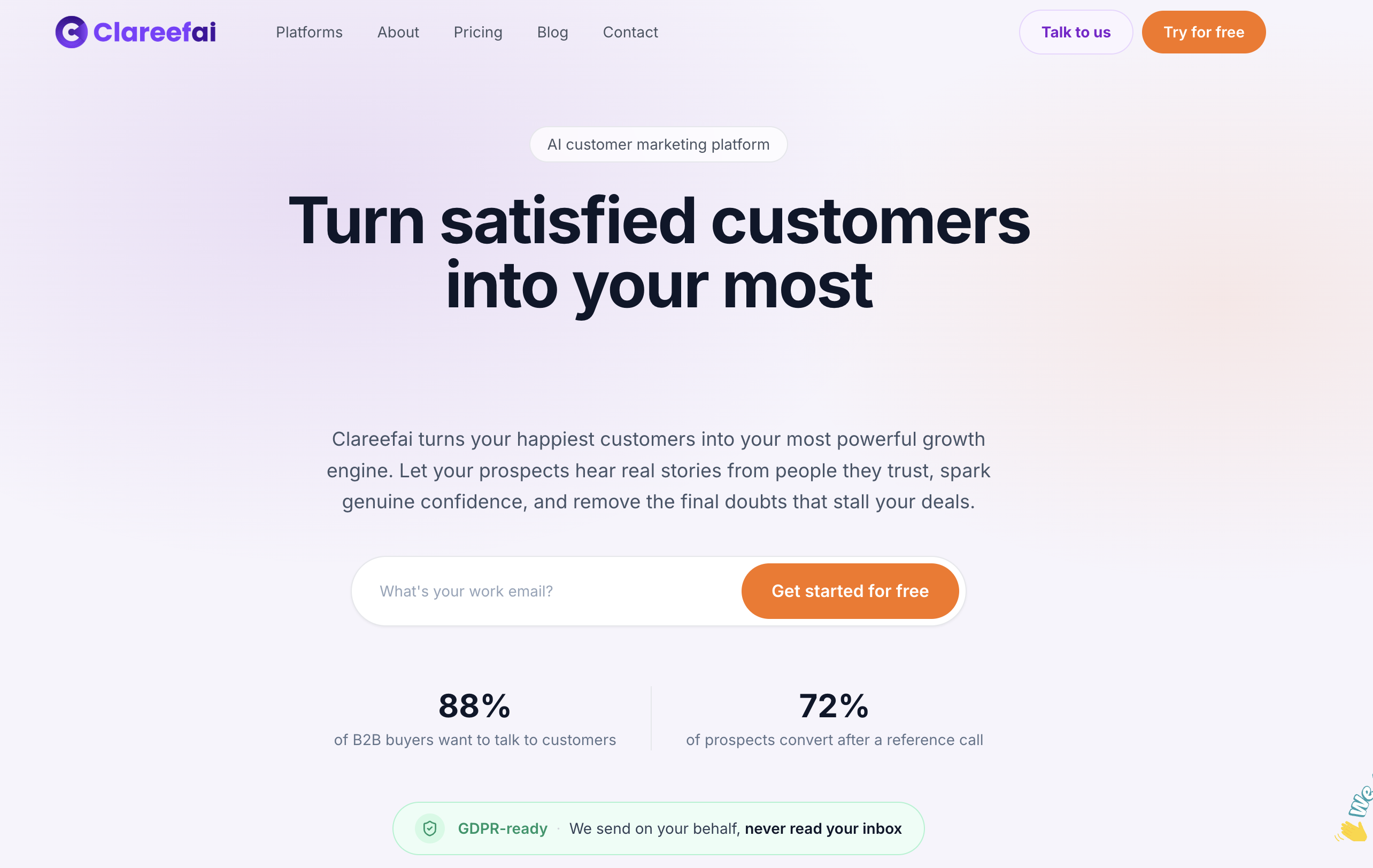
The platform verifies customer identity and consent, tags testimonials by persona and use case, syncs with your CRM, and supports multiple proof formats from text quotes to video and reference calls, all from dashboards built for different roles on your team.
- Verified identity and consent on every testimonial before it reaches a prospect.
- Persona and use-case tagging that matches assets to the right stakeholder automatically.
- CRM sync so reps see the right proof on the account record without switching tools.
- Support for text, video, and reference-call formats across every stage of the deal.
Marketing and sales enablement teams are typically the first to evaluate this, since they own both the testimonial pipeline and the sales collateral it feeds. A pilot usually starts with your five largest open accounts. You can start on the free plan or compare the Basic, Professional, and Enterprise plans to find the right fit for your team’s size.
Sources
FAQ
What does “mapping account” mean?
Account mapping is the process of identifying every stakeholder involved in a company’s buying decision and documenting their role, such as champion, economic buyer, technical buyer, or procurement. It uses CRM data, LinkedIn, and engagement history to build a picture of who influences the deal and how to reach them.
What are the 5 stages of a customer journey?
Most B2B frameworks describe the journey as awareness, consideration, decision, onboarding, and advocacy, though exact labels vary by source. Testimonial mapping typically has the biggest impact during consideration and decision, when stakeholders are actively comparing proof points.
What tools can I use for account mapping?
Teams commonly combine CRM platforms, enrichment tools, and ABM workspaces to build stakeholder maps, and pair that with a testimonial platform like Clareefai to attach verified, persona-matched proof to each stakeholder. The right combination depends on how many stakeholders you typically need to track per deal.
What is the best tool for user journey mapping?
There’s no single best tool since the right choice depends on your CRM, team size, and how many stakeholders you track per account. What matters more than the specific tool is whether it lets you tie engagement data and content exposure, including testimonials, to each stakeholder on the map.
Recommended
Share Article
Stay Updated
Get the latest insights on customer advocacy and SaaS growth delivered to your inbox.