Operations First Testimonial Tagging: 9 Fields to Stop Picklist Bloat

The fastest path to useful testimonial intelligence is a small, enforced taxonomy paired with automated first-pass tagging and human review for edge cases. This testimonial tagging strategy works because it scales without collapsing into chaos: Clareefai builds these principles directly into how it verifies and organizes customer proof. Your next step is simple: define several core fields and run a pilot of a few weeks before you tag testimonials at full volume.
TL;DR:
- Clear ownership and strict enforcement of a small, fixed taxonomy prevent tagging drift and ensure consistency across channels and teams.
- Auto-tagging is effective for high-volume content but requires validation against manual labels using agreement metrics like Cohen’s Kappa.
- Building tags into collection forms, CRMs, and workflows ensures timely and accurate routing, maximizing testimonial value.
- Regular audits of fragmentation index, field coverage, and model accuracy are essential to maintaining tag quality over time.
- Combining automated and manual tagging, along with a pilot period, reduces errors and supports scalable testimonial intelligence.
Table of Contents
- What Is Testimonial Tagging and Why Does It Matter?
- How Do You Design a Testimonial Tagging Taxonomy?
- Manual Tagging vs. Auto-Tagging: When to Use Each
- Applying Tags Across Collection, Routing, and CRM Workflows
- How Do You Measure and Maintain Tag Quality?
- Common Pitfalls We See (And How Teams Fix Them)
- How Clareefai Helps You Run This Strategy at Scale
- Sources
- FAQ
What Is Testimonial Tagging and Why Does It Matter?
Tags are structured metadata attached to testimonials and reviews. They turn a pile of quotes into something you can search, filter, and cross-reference. Without tags, a testimonial is a nice sentence on a landing page. With tags, it’s a data point that tells you which objection it overcomes, which persona it speaks to, and which sales stage it belongs in.
This matters because untagged feedback dies in a spreadsheet. Tagged feedback routes itself: a strong quote about pricing objections gets flagged for the sales team, a comment about a missing feature lands on the product roadmap, and a video testimonial about onboarding gets pulled for a campaign in seconds instead of hours.
Effective customer feedback strategy treats tagging as one stage in a lifecycle, not a standalone task. The SIGNAL framework (Scope, Inputs, Gather, Notify, Act, Learn) is a useful model here: tagging sits at the “Notify” step, converting raw input into something that reaches the right owner and drives a decision.
Common tag categories include:
- Sentiment: positive, neutral, mixed, negative
- Theme: pricing, support, onboarding, integrations
- Product: which SKU, module, or feature the quote references
- Persona: job title or buyer role of the customer
- Format: text, video, survey response, review site
- Buyer stage: awareness, evaluation, renewal, expansion
- Trigger: what prompted the feedback (renewal, support ticket, upsell call)
Get these seven categories right, and reviews tagging stops being an archive exercise and starts functioning as a live decision system.
How Do You Design a Testimonial Tagging Taxonomy?
A taxonomy only works if it’s consistent and impossible to misuse, requiring a fixed set of fields, a controlled vocabulary for each, and strict rules.
Start with these core fields, in this exact order, every time:
- Format (text, video, survey, call_transcript)
- Sentiment (positive, neutral, mixed, negative)
- Theme (pricing, support, onboarding, integration, performance)
- Product (the specific SKU or module referenced)
- Persona (buyer role: economic_buyer, champion, end_user)
- Use case (the job the customer hired your product to do)
- Objection (the doubt the testimonial neutralizes, if any)
- Trigger (renewal, onboarding, support_resolution, upsell)
- Channel (where the feedback originated: email, g2, survey, interview)
The naming convention matters as much as the field list. A reliable taxonomy uses fixed field order, lowercase text, and underscores as delimiters instead of spaces or mixed casing. A tag like format_video|theme_onboarding|persona_champion is parseable by a machine and readable by a human. A tag like “Video - Onboarding Feedback From a Champion User” is neither.
Governance is where most teams quietly fail. You need a single taxonomy owner, a picklist that only that owner can edit, an approval flow for anyone requesting a new tag value, and version control so you know which testimonials were tagged under an older schema. Without an owner, picklists balloon into hundreds of near-duplicate values within a year, and your reporting turns into a cleanup project instead of an insight engine.
Pilot before you scale by tagging a moderate number of testimonials manually, then calculate a fragmentation index to evaluate taxonomy effectiveness. A high fragmentation index early on tells you your fields are too loose or your picklists are too permissive.
Pro Tip: Keep every tag string under about 80 characters to maintain CRM compatibility and taxonomy simplicity.
Enforcement has two layers. The first is a pre-launch validation UI, meaning dropdowns instead of free-text boxes, so a tagger physically cannot type “prcing” instead of selecting “pricing.” The second is a post-ingestion audit: a scheduled job that scans your warehouse for tags that don’t match the approved picklist and flags them before they pollute a report.
Manual Tagging vs. Auto-Tagging: When to Use Each
Manual tagging is preferable when nuance and context matter most, such as in in-depth interviews or detailed calls, whereas auto-tagging suits high-volume, repetitive sources.
Auto-tagging earns its place at volume. Once you’re processing hundreds of survey responses, review-site comments, or support transcripts a month, AI-assisted tagging using natural language processing models can classify content by theme and sentiment with solid consistency, freeing your team from repetitive triage. AI-powered systems can also use behavioral signals to auto-classify content and improve retrieval over time, which matters once your testimonial library grows past a few hundred entries.
The two approaches work best combined, not chosen exclusively. A practical training workflow looks like this:
- Build a seed set of 200 to 500 human-labeled testimonials across every tag field.
- Run inter-rater checks among your human taggers first, since if two people disagree on 30% of labels, your taxonomy definitions need clarification before you train anything.
- Train or configure the auto-tagger on the seed set, then measure agreement between the model’s tags and the human seed labels using Cohen’s Kappa.
- Set a confidence threshold: tags above the threshold auto-publish, tags below it route to a human queue.
Studies on AI-based coding frameworks show performance varies meaningfully by theme and model, performing well on straightforward categories like format or sentiment, but less reliably on nuanced ones like objection type. That’s exactly why Kappa monitoring belongs in your rollout plan, not as an afterthought after a bad quarter of reporting.
Track three numbers monthly once auto-tagging goes live: overall accuracy against a human-reviewed sample, precision and recall per tag field (a field with low recall is silently missing valid matches), and the distribution of confidence scores across your monthly tagging volume.
Applying Tags Across Collection, Routing, and CRM Workflows
Tags only create value if they’re captured at the moment feedback arrives, not retrofitted weeks later. That means building tag fields directly into your intake forms, your testimonial collection platform, your CMS submission process, and even transcription tools for interviews and social mentions. Multi-channel collection, including social listening beyond your owned channels, catches praise and complaints your survey tool never sees.

Routing rules should follow a simple pattern: tag determines owner, owner determines action. A testimonial tagged theme_feature_request escalates to product. One tagged format_video|use_case_onboarding queues for the marketing content calendar. One tagged persona_economic_buyer|sentiment_positive gets flagged as a sales reference asset.
Integration is where tagging pays for itself. Syncing tag fields into CRM records lets sales reps filter for testimonials matching a prospect’s exact industry or objection during a live call. Publish flags in your CMS let marketing pull “case-study-ready” or “short-quote” testimonials without digging through folders. Consistent campaign metadata lets you join tagged testimonials against analytics data to see which quotes actually influenced pipeline movement.
A closed-loop feedback process built around Ask, Categorize, Act, and Follow-up increases both response rates and long-term customer participation, especially when the loop closes visibly back to the customer who gave the feedback.
That loop is the difference between tagging as an archive exercise and tagging as a feedback strategy. Before launch, run a short QA pass: confirm every dropdown populates correctly, run user acceptance testing with two or three real taggers, and check that routing rules actually fire when a tag combination hits a live testimonial. Templates for structuring your testimonial request emails and syncing fields into HubSpot are worth reviewing before you finalize your intake forms.
How Do You Measure and Maintain Tag Quality?
A tagging system decays the moment nobody watches it. Five metrics tell you whether yours is healthy or drifting: the fragmentation index, field coverage (the percentage of testimonials with every core field populated), inter-rater agreement measured by Kappa, model accuracy against a human-reviewed sample, and time-to-insight, meaning how long it takes a tagged testimonial to reach the team that acts on it.
Validation needs a cadence, not a one-time check:
- Run pre-launch linting on every new tag before it enters the picklist.
- Audit daily ingestion batches for tags that don’t match approved values.
- Re-label a random weekly sample of 20 to 30 testimonials by hand and compare against the auto-tagger’s output.
- Review the fragmentation index monthly, and investigate any spike above your pilot baseline.
Taxonomy changes need the same discipline as a software release. Version every schema change, require signoff from the taxonomy owner and at least one downstream stakeholder (sales ops, product marketing), and communicate the change before it goes live so nobody’s dashboard breaks without warning.
Pro Tip: Build one dashboard just for tag health, separate from your insight dashboards. Field coverage and fragmentation trends get buried when they sit next to sentiment charts and quote counts.
Use quality metrics to balance automation and human review, automating more as agreement remains stable and increasing human checks when accuracy decreases or new sources appear. Keep picklists curated by retiring unused values quarterly, since a picklist with 40 rarely-used theme tags is functionally the same as no picklist at all.
Common Pitfalls We See (And How Teams Fix Them)
Most tagging systems fail for the same four reasons: nobody owns the taxonomy, free-text fields multiply unchecked, nothing validates new tags before they enter the pipeline, and synthesis happens too late to matter.
The fix is rarely more technology. It’s naming one taxonomy owner, enforcing picklists instead of free text, running a 30 to 60 day pilot before full rollout, and pairing auto-tagging with a human review queue for anything below your confidence threshold. Teams that assign a single loop owner consistently catch drift months before it shows up in a broken quarterly report.
— ClareefAi
How Clareefai Helps You Run This Strategy at Scale
Clareefai is the alternative to building a tagging system from scratch with spreadsheets and manual review queues: it verifies customer identity, applies controlled taxonomy fields automatically, and syncs the results straight into your CRM and publishing workflow.
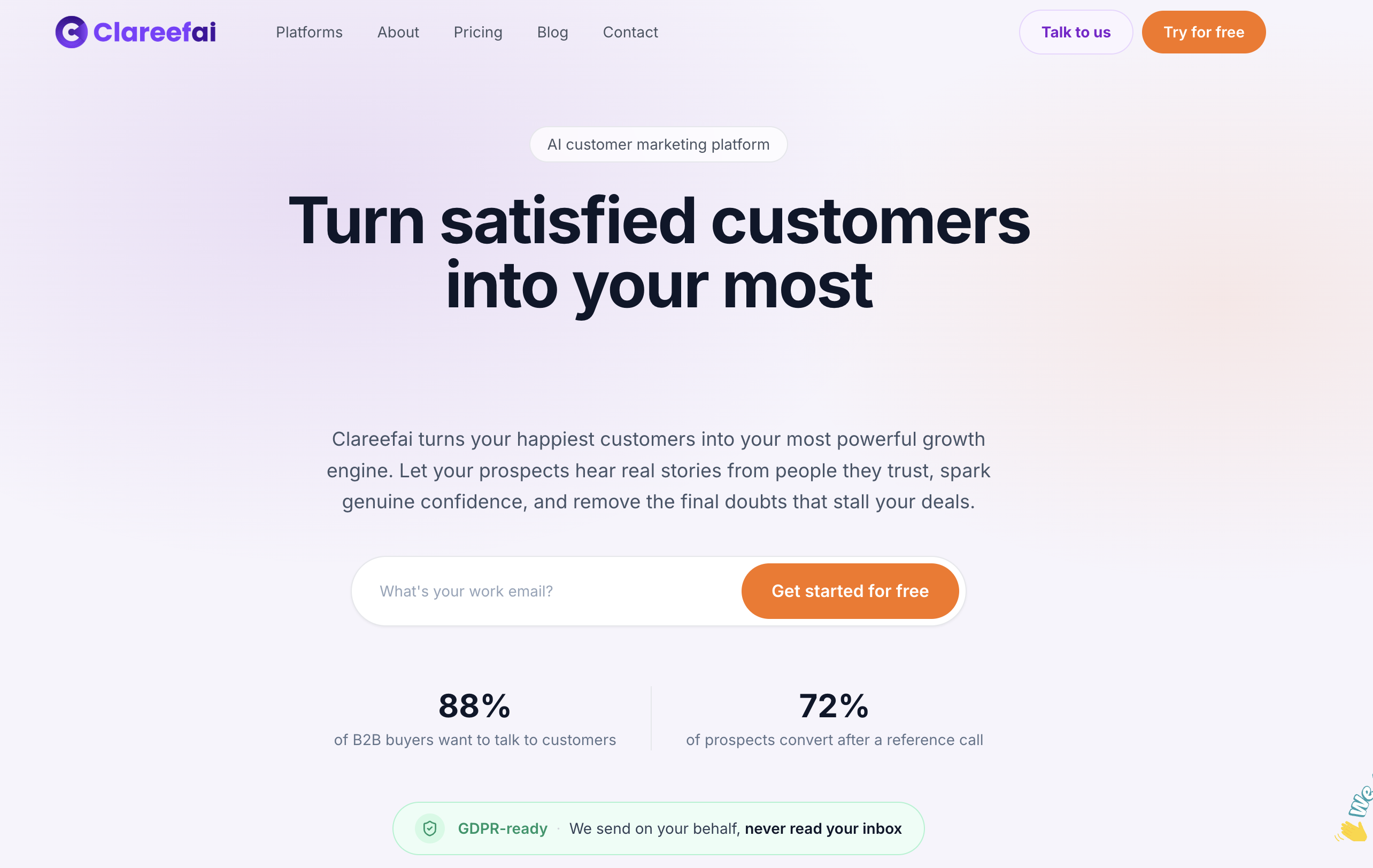
The platform maps directly to the steps in this guide. AI-driven analysis identifies which testimonials carry the strongest signal and applies first-pass tags for theme, sentiment, and persona, while a human review layer catches the low-confidence edge cases before they publish. Role-based dashboards give sales, marketing, and management their own view of tagged advocacy data, and real-time sync keeps CRM records current without a manual export step. Combining tagged social proof with proven engagement tactics gives your campaigns a measurable lift instead of a guess.
Run your pilot the same way this guide recommends: 30 to 60 days, a small taxonomy, and a review of your fragmentation index at the end. Start with the Basic plan at $250 per month, scale into Professional at $624 per month once your tagging volume grows, or check the free plan if you want to test the workflow before committing. Explore the full solutions overview to see how tagging connects to your broader advocacy program.
Sources
For deeper detail on taxonomy field design, review the Improvado taxonomy guide. For collection strategy and closed-loop feedback, see Shopify’s feedback guide.
- Customer Feedback: How to Gather and Use It (2026) - Shopify
- Marketing Campaign Taxonomy Guide 2026 | Improvado
- AI-based coding framework and tagging (2025 study)
FAQ
What Are the Best Practices for Tagging Testimonials?
Use a small, fixed set of fields with a controlled vocabulary, enforce entries through dropdowns instead of free text, and assign one owner to manage the picklist. Pair that structure with a pilot period before scaling, since fixed field order and consistent delimiters prevent the fragmentation that makes reporting unreliable later.
What Techniques Are Used in Testimonial Tagging?
Teams typically combine manual tagging for nuanced, low-volume sources with AI-assisted auto-tagging for high-volume channels like surveys and review sites. Auto-tagging models are validated against human-labeled samples using agreement measures like Cohen’s Kappa to confirm they’re classifying content correctly before they run at full scale.
What Is the Best Format for a Testimonial?
There’s no single best format. Video testimonials tend to carry more persuasive weight for prospects evaluating a purchase, while short text quotes tag and repurpose faster across campaigns and sales decks. The right mix depends on where the testimonial will be used, which is exactly why format is one of the core tagging fields.
Is It Better to Mention or Tag a Testimonial?
Mentioning a customer by name in a testimonial adds credibility, but tagging is what makes that testimonial findable and usable at scale. A named, verified quote tagged for the right theme and buyer persona works far harder for your sales and marketing teams than an anonymous quote or an untagged one, no matter how strong the language is.
Recommended
Share Article
Stay Updated
Get the latest insights on customer advocacy and SaaS growth delivered to your inbox.