
A marketing tool needs SOC 2 evidence when it stores, syncs or processes your prospect and customer data. The strongest evidence is a current Type II report that covers the system you will use. Reading that report takes about an hour, and it protects both your pipeline and your brand. Your stack keeps growing, and so does the number of vendors holding contact data. If you are also tracking analytics for content marketing, you already know how many tools touch your funnel data. This guide shows which tools belong in a SOC 2 review, what a report proves, and how to read one.
TL;DR
- SOC 2 is an independent audit against the AICPA Trust Services Criteria. It is an attestation, not a certification, and no regulator requires it.
- Tools that receive CRM or contact data are in scope for your review. Ad platforms that handle no personal data usually are not.
- Ask for a Type II report. Type I only shows controls were designed well on one date.
- Read four things: scope, audit period, exceptions and subservice carve-outs.
- If a vendor has no report, ask why, get its timeline, and cover the gap with a security questionnaire and contract terms.
Table of Contents
- What SOC 2 means for a marketing tool
- Which marketing tools belong in a SOC 2 review
- Type I vs Type II: which report to ask for
- How to read a vendor’s SOC 2 report: five checks
- What a SOC 2 report does not prove
- If a marketing tool has no SOC 2 report
- Putting it into your buying routine
- Customer proof deserves the same care
- Our perspective
- FAQ
- Sources
What SOC 2 means for a marketing tool
SOC 2 is an audit framework from the American Institute of CPAs (AICPA), the US accounting body. An independent CPA firm tests how a service organization protects the data its clients entrust to it. The AICPA describes it as an examination of a company’s system description and its controls relevant to security, availability, processing integrity, confidentiality or privacy.
Security is the one category every SOC 2 must include. The other four are add-ons the vendor chooses, according to the Yobitel knowledge base (updated 4 July 2026). That detail matters when you read a report. A vendor can truthfully say it has SOC 2 while covering only security.
Two plain-language points keep expectations realistic:
- Controls are the vendor’s own. Unlike PCI DSS, SOC 2 does not hand every company the same rigid checklist. Each organization designs controls for the criteria it selects, so reports are unique to each vendor.
- It is a market expectation, not a law. Buyers and contracts drive it. For marketing platforms that handle email lists, postal addresses and first-party personal data, procurement guidance says brand buyers now require a Type II report before signing.
There is a practical reason for that. When a platform is breached, the legal and brand fallout typically lands on the brand that hired it, as the same procurement guidance notes. Outsourcing a process does not outsource accountability.
Which marketing tools belong in a SOC 2 review
Not every logo in your stack needs the same scrutiny. A useful rule from Bastion’s vendor management guide: a vendor belongs in the review if it affects the security, availability, processing integrity or confidentiality of customer data. Marketing automation tools are in scope when customer data syncs from your product. Tools such as ad platforms that carry no personal data are usually out.
In B2B the risk is the connections. Prospect and customer data moves between your product, CRM, marketing automation, partner platforms and middleware such as Zapier or Workato, and one weak link can expose it. A practical sort looks like this:
| Tool type | Typical data touched | Review priority |
|---|---|---|
| CRM and marketing automation | Contacts, deal stages, campaign activity | High |
| Sales engagement and enrichment | Emails, phone numbers, buying signals | High |
| Testimonial, review and advocacy platforms | Customer names, roles, video, quotes, reference contacts | High |
| Integration middleware | Everything that passes through | High |
| Ad networks with no CRM sync | Aggregate campaign data | Lower |
To build the list, use the RevOps approach in Entflow’s checklist. Inventory every revenue-stack tool that stores or processes customer or prospect data. Record the account owner, the data categories, the sync destinations and whether the vendor has its own SOC 2 report. Auditors will ask for exactly this.
Customer-proof tools deserve a place in the high row. Testimonials, video reviews and reference lists carry names, job titles and company relationships. If you manage them, our guides on testimonial data security and secure testimonial storage cover the controls to look for.
Type I vs Type II: which report to ask for
The difference is what the auditor tested and when.
- Type I covers whether controls were suitably designed as of one specified date.
- Type II covers design and operating effectiveness over a period. A Type II engagement includes an opinion on operating effectiveness plus a detailed description of the tests and results. Type I contains neither.
Put simply, Type I tells you the lock was installed. Type II tells you it was locked every day for months. Rescana advises that for any vendor above the lowest risk tier you should ask for Type II and decline a Type I offered as a substitute.
A young vendor may only have a Type I, and that is a normal step on the way. For a tool holding CRM data, Type II is the target. How long should the period be? The AICPA sets no minimum, and most commercial engagements run six to twelve months. Enterprise procurement teams commonly look for twelve.
How to read a vendor’s SOC 2 report: five checks
Most people open the PDF, see “unqualified opinion” and stop. Work through these instead.
1. Confirm who issued it and for which period
A real report names the auditing firm and a specific audit period, as procurement guidance for marketing platforms points out. Check the end date. A Type II report’s review period closes before the report is issued, so it is often months old when you read it, and it says nothing about changes after the period ended. Put the end date in your vendor file and set a renewal reminder for the following year.
2. Check the scope against the product you are buying
A vendor chooses what goes into scope. Customer-facing systems are often included, while internal development platforms, employee tooling or third-party subservices may not be. Match the system description to the product and data flows you will use. Check that the criteria include at least Security, and look for Confidentiality if the tool holds anything sensitive, such as customer references or unreleased case studies.
If personal information is central, look for the Privacy criteria. They apply only to personal information, while Confidentiality covers other sensitive information such as trade secrets.
3. Read the exceptions section
Exceptions are the places where a control did not work as designed during the period. A few exceptions with documented fixes are normal. A zero-exception report is the suspicious one. Multiple high-severity or unremediated exceptions can lead to a qualified opinion, which weakens the report’s credibility.
4. Find the subservice carve-outs
Vendors build on cloud hosts and other providers. PwC warns that a report can be technically clean while omitting infrastructure or controls you rely on. Two terms to find: carve-outs, where a subservice provider’s controls are excluded and must be verified through its own report, and complementary user entity controls, which are controls you must run on your side. Assign an owner to each of these controls. Typical examples include who approves user access and who removes departed staff.

5. Look at how the testing was done
PwC also flags testing based only on inquiry and observation as a red flag. Good evidence involves inspection of system records, not just interviews.
One more useful habit is to enforce your own side of access. A vendor’s audited controls do little if your team shares logins. Our guide to SSO for marketing tools walks through setting that up.
What a SOC 2 report does not prove
A report is strong evidence, and it has edges. Knowing them keeps you from over-trusting it.
- It does not guarantee a breach will never happen. It also does not replace your legal duties under GDPR, CCPA, TCPA or CAN-SPAM, and it says nothing about the quality of campaign work, according to AAMAX’s overview.
- It does not check compliance with your specific contract terms, and it is not a scan of the vendor’s current attack surface, per Rescana.
- It verifies that controls exist. A report may confirm logging is on without showing that anyone reviews the logs, as a RedLegg consultant explains.
So treat SOC 2 as one layer. Pair it with contract terms such as incident-notification timelines and an annual refresh of the report. For consent and audit trails on customer-proof content, see our testimonial privacy policy checks.
If a marketing tool has no SOC 2 report
Many good tools are young or small. The sensible response is a structured process, not an automatic no. HyperComply’s guidance suggests this order:
- Ask why. The company may be too new to justify the audit cost, or it may be mid-audit.
- If it is mid-audit, request the timeline and interim security measures.
- Run a detailed questionnaire covering encryption, access control, incident response, disaster recovery, staff training and network controls.
- Add contract terms, including right-to-audit clauses and incident-notification timelines.
A questionnaire is only a self-assessment, and an independent examination is stronger evidence. Limit the data you sync to what the use case needs, and revisit the decision once the vendor’s report arrives.
Putting it into your buying routine
A repeatable routine takes little time per vendor:
- Classify the tool by the data it touches, using the table above.
- Request the Type II report and any bridge letter covering the gap since the period ended.
- Check issuer, period, scope, criteria, exceptions and carve-outs.
- List the controls you own and assign each an owner.
- Record the report’s end date and set a renewal reminder.
The AICPA’s vendor management guidance frames the same cycle: governance, risk assessment, due diligence, evaluation of vendor controls and ongoing monitoring.
Customer proof deserves the same care
Testimonials, reference calls and video reviews put real customers’ names and words in your funnel. Clareefai is a platform that organizes, verifies and displays them. It verifies customer identities and contextualizes feedback, and it provides GDPR security, role-based dashboards and real-time data synchronization. It also integrates with your CRM. Plans are published at our pricing page: Basic is $250 per month, Professional is $624 per month and Enterprise is $1250 per month. A free trial is available, and there are no long-term contracts. You can see the full feature set on the platform overview.
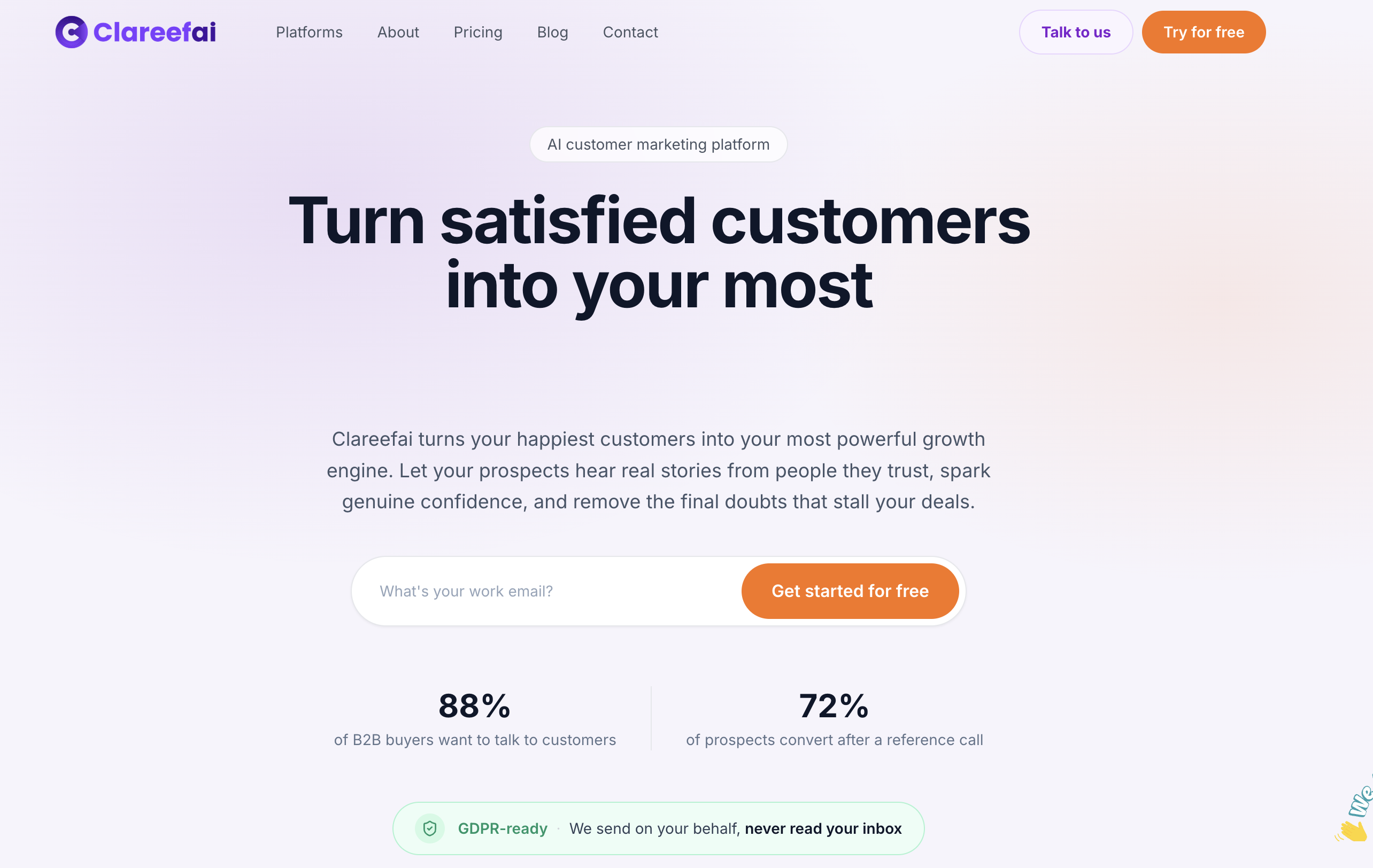
If you want to see how verified testimonials connect to your CRM safely, start with our guide to CRM testimonial integration.
Our perspective
Security reviews and social proof are usually owned by different teams, and that is a mistake. Sales and marketing leaders collect customer names, quotes, videos and reference contacts, then scatter them across spreadsheets, shared drives and inboxes. That is customer data, and the same discipline you apply to your CRM vendor belongs here.
We built Clareefai around that idea. Every testimonial is verified and contextualized, so prospects see who is speaking and why it matters. A centralized system with GDPR security and role-based dashboards means advocacy lives in one governed place instead of in forgotten folders. Real-time synchronization and deep CRM integration mean the proof your reps use stays tied to the accounts it belongs to.
Our advice to VP Sales and customer marketing leaders is simple. Put your customer-proof tools in the same vendor review as the rest of your revenue stack. Ask for scope, period and exceptions. Then choose the platform that turns customer voices into measurable sales assets without leaving that data scattered.
ClareefAi
FAQ
Is SOC 2 a certification?
No. It is an attestation: an independent CPA examines a defined system, scope and period and issues a report. No regulator requires it, but clients ask for it and contracts often make it a condition of doing business, per AAMAX. That is why you should read the scope rather than just ask whether a vendor is “SOC 2 certified.”
Does every marketing tool need SOC 2?
No. Tools that sync or store customer or prospect data are in scope for your review, such as marketing automation connected to your CRM. Non-personal-data tools like ad platforms are usually out of scope. Match the depth of review to the data the tool touches.
What is the difference between SOC 1, SOC 2 and SOC 3?
SOC 2 covers controls relevant to the trust criteria such as security and confidentiality. The AICPA’s guide also covers a general-use SOC 3 report, which is a version designed for wide distribution, as described in its SOC 2 reporting guide. For vetting a marketing vendor, you will usually be asking for the SOC 2 Type II.
How old can a SOC 2 report be?
Because the review period ends before issuance, a report is often months old when you read it. Many buyers ask for one covering the most recent twelve months and for a bridge letter that covers the gap since the period ended. Check the end date, and ask for a refresh each year.
Sources
- SOC 2 reporting guide, AICPA
- 2017 Trust Services Criteria
- How to Perform Proper Vendor Management, AICPA
- Hidden costs of fast, low-cost SOC reporting, PwC
- Vendor Management for SOC 2 and ISO 27001, Bastion
- SOC 2 in vendor risk assessment, Rescana
- SOC 2 Type 2 for Marketing Platforms
- SOC 2 Prep: The RevOps Team’s Checklist, Entflow
- What SOC 2 Is, and Why It’s a Must-Have for B2B, PartnerStack
- SOC 2 Type II knowledge base, Yobitel
- What is SOC 2, Imperva
- What SOC 2 Doesn’t Tell You About Third-Party Risk, RedLegg
- SOC 2 Evidence Collection, Security Compliance Guide
- SOC 2 Type 1 vs Type 2, Security Compliance Guide
- How to Assess Vendors With No SOC Report, HyperComply
- What is SOC 2 Compliance, AAMAX